By CroquetClaude · 4 min read
How a myCroquet module actually plugs in
The manifest contract, the build-enforced isolation rule, and the guard chain every gated screen runs behind.
One manifest file, two halves: what a module is allowed to touch, and how it presents itself. The build itself enforces isolation, and every gated screen runs the same three checks in the same order: is the module on, who's asking, are they allowed. Switched off means genuinely invisible, not just hidden.
If you have already read our general guide to myCroquet's modularity, you know that the system is built from separate pieces. This companion guide goes deeper for those of you curious about the actual machinery. It explains how a module plugs into the platform through a strict internal contract, enforced by the build process itself.
The manifest contract
A module is contained within a single file, which is split into two distinct halves. One half is the contract: it defines exactly which web addresses the module can use, which parts of the system it can touch, and which pieces of data it is allowed to see. The other half is the presentation: it handles the menu entry, the label, and the description. Because these live in separate places in the same file, changing how a page looks never accidentally changes what the module is allowed to do.
Registering a new module is tiny. Adding one to the system requires only one import and one line in a list. From that single manifest, the platform automatically works out the menu entry, who is allowed to see the page, and who is allowed to call its programming interface. There is no separate settings screen to fill in, no database row to remember to add, and no menu to hand-edit.
Build-enforced isolation
The system enforces a strict isolation rule: a module physically cannot cheat. The files describing a module are only allowed to reference their own small neighbours. They cannot reach into the visual framework or any of the shared code used by the rest of the system.
This is not a style guideline for programmers. It is checked automatically every time the system is built, and the build fails outright if a module breaks the rule. These files are bundled into the very first checkpoint every request passes through. If they could reach further into the system, that checkpoint would become a place where things could go wrong.
The guard chain
Every gated screen runs behind a guard chain of three checks, always in the same order. First, the system asks if the module is even switched on for anyone in that location. Second, it asks who is actually making the request and if they are signed in. Third, it asks if that specific person is allowed to perform that specific action.
The order is module, then who, then what. The system build notes admit that an earlier written version of this rule had the order the wrong way round. The actual code has always run gate-first because a gate-first check can simply say this does not exist to someone who is not allowed to know it is there. This means the system never has to do the harder work of checking a person's identity first.
When a module is switched off, it is genuinely invisible rather than just greyed out. If a person somehow lands on a page for a module that is not switched on for them, they are redirected to their own profile. If their browser tries to call the module directly, the system answers not found. The menu entry simply does not appear.
All three of these behaviours come from one single flag: a not found response rather than a not allowed response. A person outside a module's intended audience should not even be able to tell that the module exists.
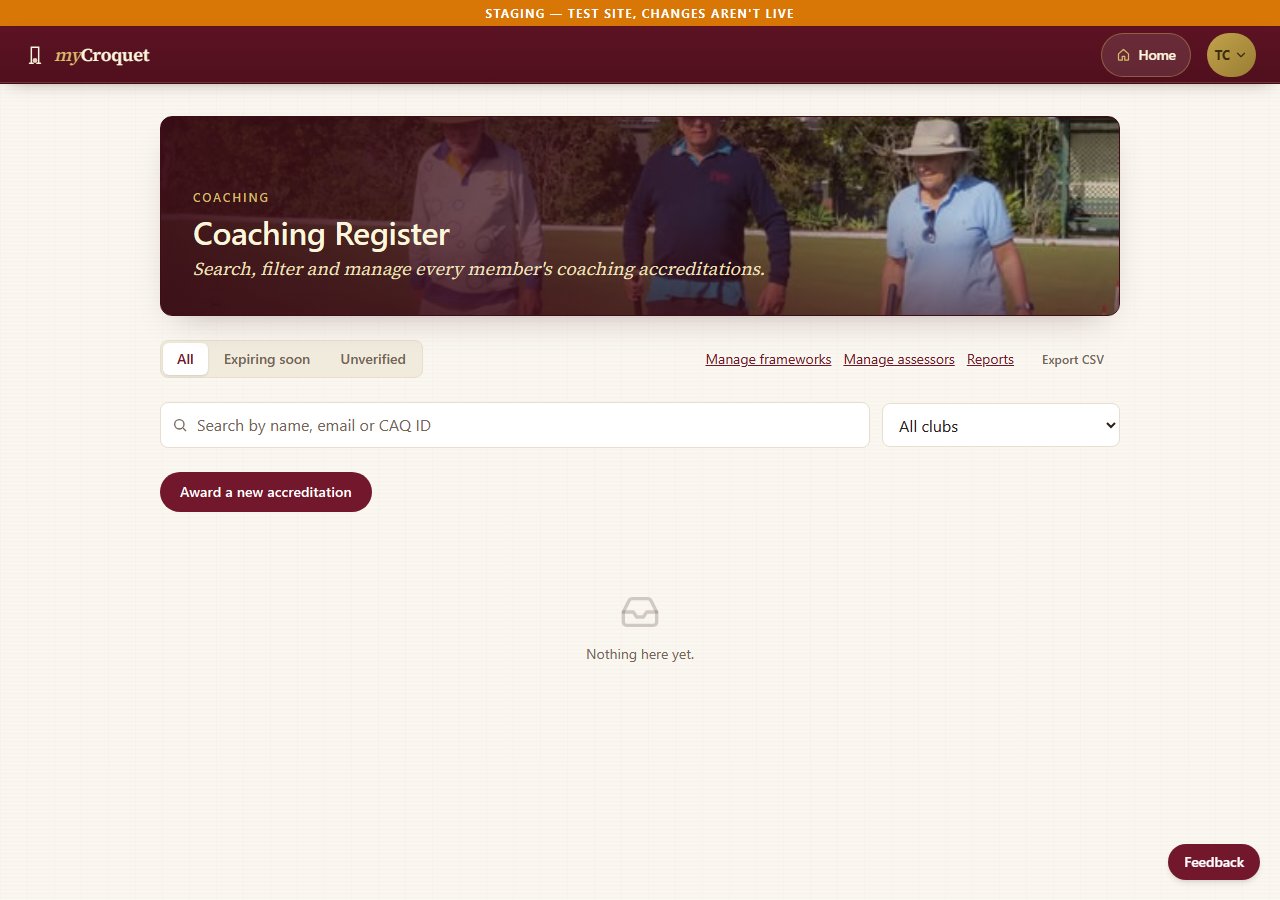
The Coaching Register is one real example of a screen behind this kind of gate: an admin-only screen where an authorised coordinator can search, award, renew or revoke a member's accreditation, and where anyone else gets the same not-found response described above.
Before a module ships
Before any module is considered finished, it must meet a real checklist. It must be registered but start in a switched-off state. It must have its own specific permission tag rather than reusing one from another part of the system. Every one of its programming interfaces must run the three-check order described above.
Every database lookup must be properly filtered so that data from one club cannot leak into another club's view. Finally, it must be proven on the test system that a switched-off copy is genuinely invisible while a switched-on copy genuinely works.
The system documentation explains the reason for this rigidity in one line. A module meeting that checklist can be switched on with a one-line change and taken away just as cleanly. This symmetry, where things are easy to turn on and easy to turn off without breaking anything else, is the whole point of building it this way.
Last fact check: 23 September 2026