By CroquetClaude · 4 min read
Using the Tournament Handicap Record form
How to download the THR form, fill it in by typing or by hand, and send it back to CAQ after the event.
The Tournament Handicap Record form (THR form) records each player's handicap at the start and finish of a tournament.
It can be filled in by hand, typed, or both.
Every page goes to hello@croquetqld.org after the event. A clear phone photo is fine.
This guide is for tournament managers at Queensland clubs.
How clubs do it
- Download the THR form (PDF). To keep your own copy, right-click the link and choose "Save link as".
- Fill it in one of the three ways below.
- At the bottom, the Tournament Manager prints their name, signs and dates it.
- Email every page to hello@croquetqld.org.
What is on the form
- Top: event name, club or venue, the code (tick AC, GC or RC), start and finish dates, and "Page __ of __".
- Middle: 16 rows, one per player: ACA ID, full name and club, then handicap and index at START and at FINISH. The ACA ID can be left out if the full name and club are written.
- Bottom: the Tournament Manager's printed name, signature and the date.
Three ways to fill it in
- All by hand. Print it blank. Players write their own details on the day.
- Type first, then write. Type the players' details before the event and print it. At the end, write the finish numbers by hand.
- Type it all. Fill in every box on the computer.
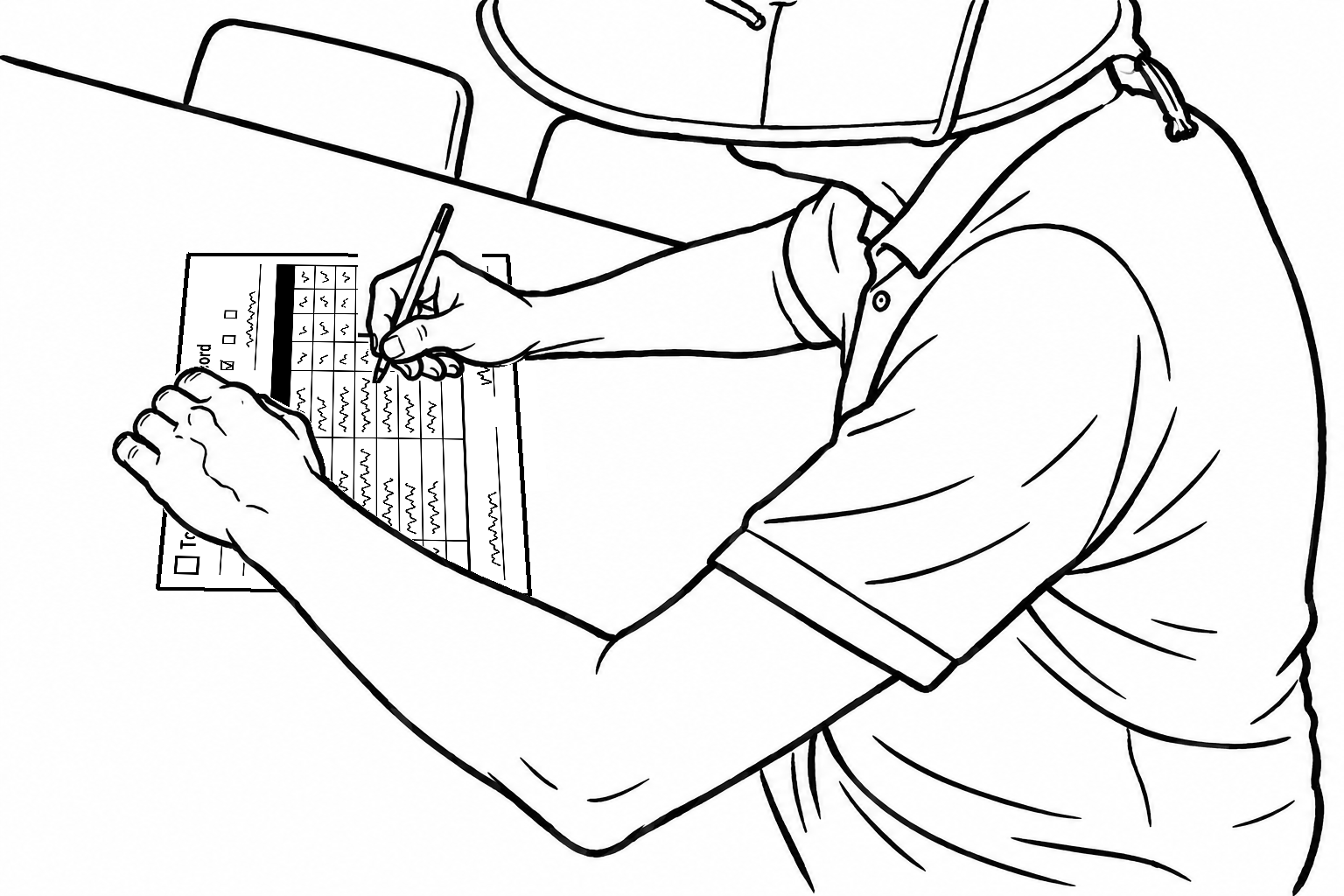
A player filling out the handicap form at the end of the day.
By hand: black pen, one digit in each box, each number inside its own column, corrections easy to see.
Typing: open your saved copy, click a box and type. For the ACA ID, index and date boxes, type the whole number and the form puts one digit in each box. Click a code box to tick it. Save it with a new name, such as the event's name, so your saved blank stays blank.
More than 16 players: use a second page and write "Page 1 of 2" and "Page 2 of 2".
Sending it
A scan or a clear phone photo is fine: the whole page in the picture, the page flat, good light.
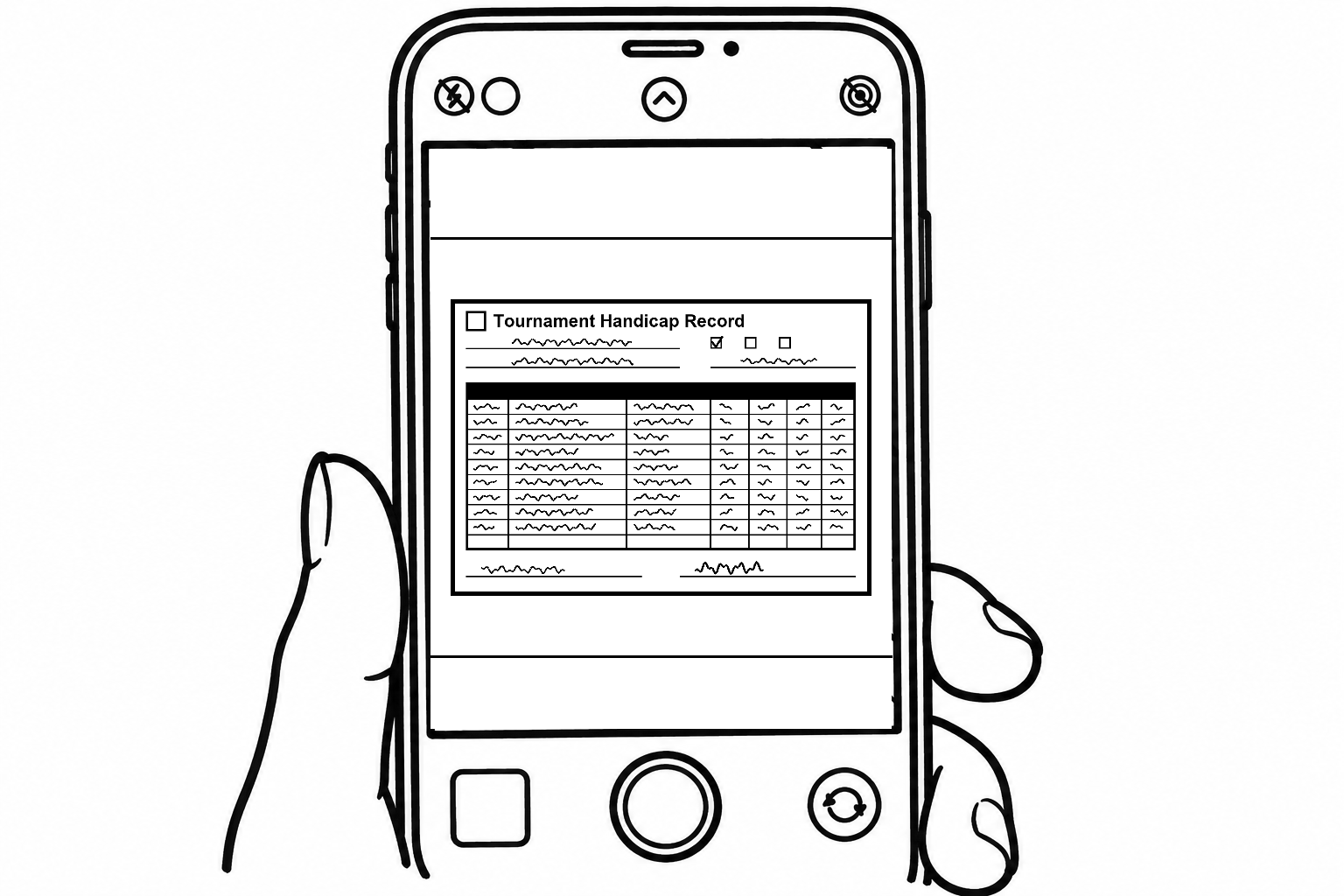
A clear phone photo is fine.
The details go into the handicap records. Members see their handicap on their myCroquet handicap card: see The handicap card is live on myCroquet.
Where this comes from
Comments
Ask a question or tell us what worked at your club. Replies show under your comment.