myCroquet
myCroquet is where your club keeps its member list, its club details and its calendar. These guides show you how to use it.

8 pages in this section
4 min readmyCroquet: the membership systemOne login for members and clubs. People given the Member List card keep their club's list up to date, and CAQ checks each change. 4 min readmyCroquet: the Club Profile moduleOne page for a club's details: committee, contacts, playing times, Come & Try and a clubhouse photo.
 3 min readmyCroquet: one login for the CAQ websitesCroquet Queensland runs four websites, and all four now share one sign-in. Websites outside the four are told nothing, even when you are signed in.
 5 min readA message from the President: your club's member list is now on myCroquetJohn van Barneveld on why a simple, correct member list is the base everything else builds on.
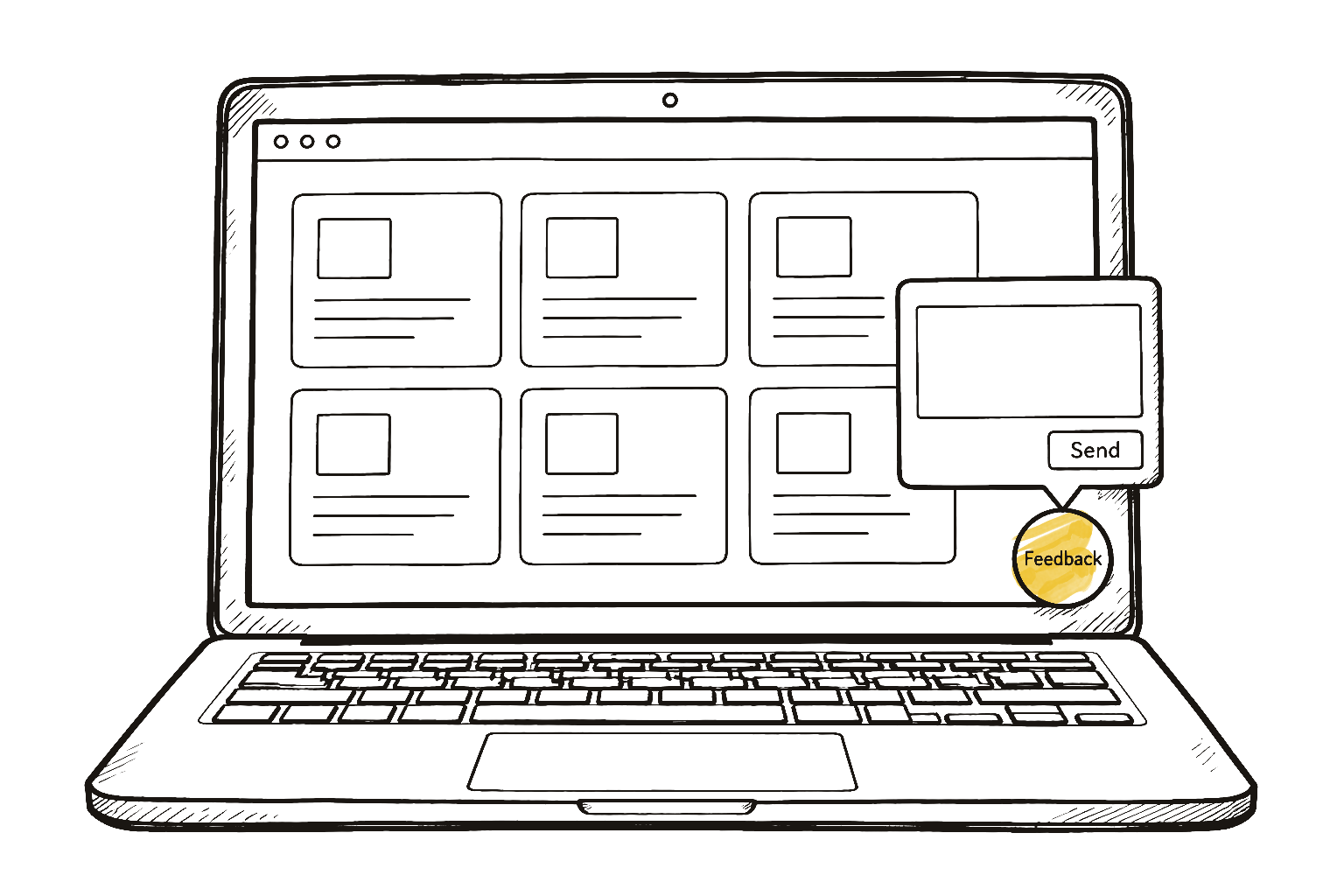 2 min readThe Feedback button beats an emailWhat the Feedback button on myCroquet is for, and what makes a feedback message useful.
 4 min readThe handicap card is live on myCroquetMembers can now see and change their own handicap in myCroquet. This is what members and club captains can do, and what changed after the committee test.
 3 min readHow to add your club's event to the CAQ calendarA committee can put its own event on the CAQ calendar in myCroquet, change it later, or take it off. A two-minute video and the steps.
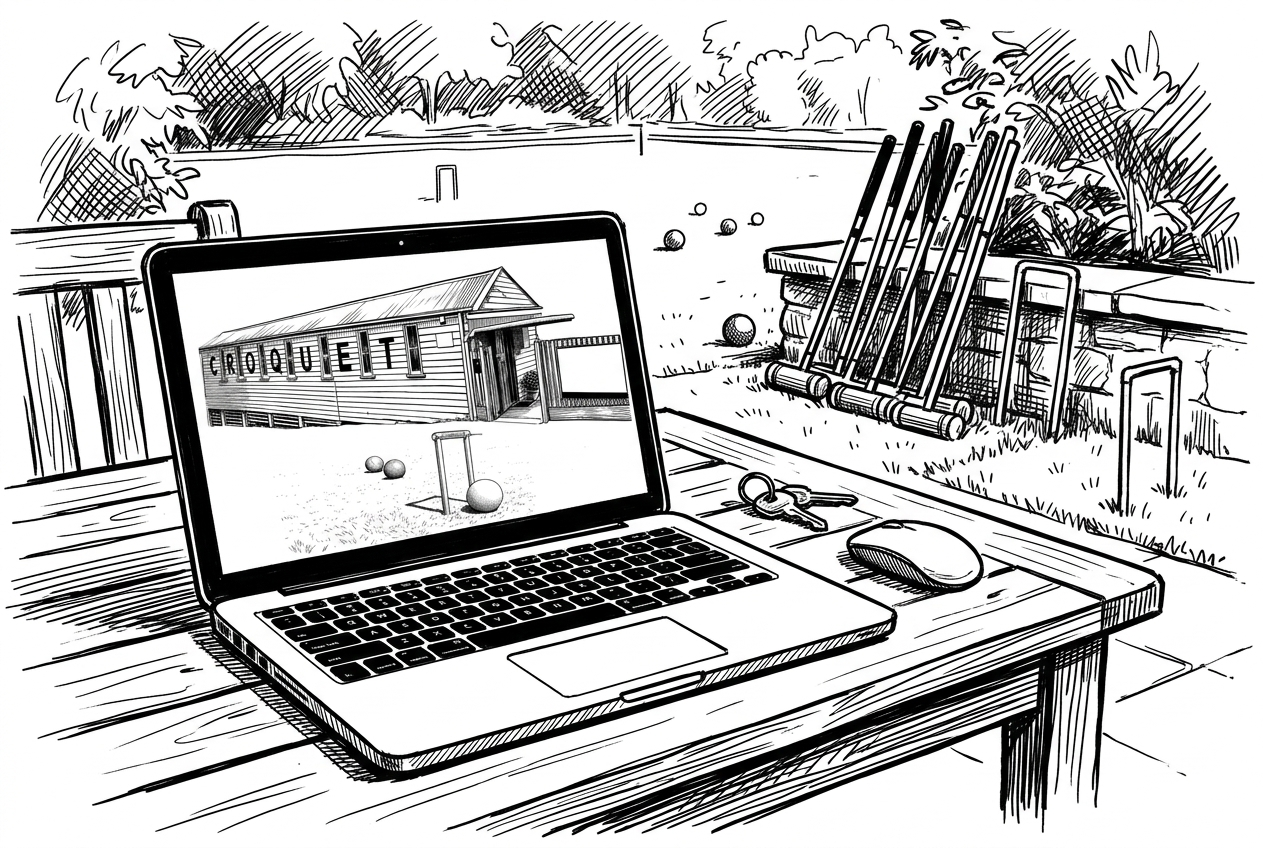 3 min readYour club could have a website like this, freeCAQ plans a free website for each club, made from its Club Profile. It is not open yet. Here is an example.